MuADMINS
Soluții
Rezolvări scurte pentru probleme frecvente ale serverelor, clienților și site-urilor MU Online, fiecare cu sursa și data ei. “Confirmată” înseamnă că persoana care a întrebat a spus că rezolvarea a funcționat.
Soluții: 3 pentru “socket” în Configurarea serverului · Șterge
JoinServer and DataServer show "[SocketManager] WSAAccept() failed with error: 10061" on start.
1. Check DataServerAddress in common.dat. 2. Leave it at the default 127.0.0.1, it does not need your public IP. 3. Start the servers again.
✓ Confirmată de autorul topiculuiCreandoMU · 2022-02-21"error-L1 : CloseClient INVALID_SOCKET": after some time online the GameServer disconnects all players (97d+99i, after moving from Windows Server 2003 to Windows Server 2012 R2)
Reinstalling Windows, all updates and compatibility modes did not help; the fix was the newer DLL for the files. 1. Download the newer DLL that the developer uploaded for these 97d+99i fi...
✓ Confirmată de autorul topiculuiDarksTeam · 2017-02-14OpenMU: a player stays 'already connected' after a dropped connection and cannot log in again, even with the right password
1. The old session stays registered while the TCP connection to OpenMU is still open. With the web client the WebSocket proxy keeps that connection alive, so every new login gets AccountA...
✓ Confirmată în raportul problemeiGitHub (MUnique/OpenMU) · 2026-10-07
Videoclipuri pe MUTube
 Ghid pentru începători: Sistemul de Socket
MU online official · 3:32 · 2022
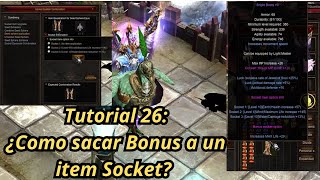 Mu Online Tutorial 26: cum să scoți opțiunea bonus de pe un item socket?
NaQuEvEr · 7:52 · 2025
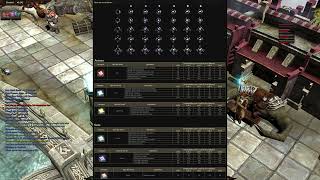 TOT DESPRE SEED SPHERE SOCKET ⚔️ MU ONLINE ACTUALIZAT | ITEME 380LVL [partea 1]
Almacen Gamer TV · 12:33 · 2022
 MUonline - Seeds & Socket-uri
Game Auditor · 7:01 · 2016